AI made the work faster. Make the learning last.
Your team already works faster with AI. Carry the decisions, corrections, and know-how into your own working structure, so the next conversation starts further ahead.
- 1.Download the plugin ZIPKeep the ZIP as it is; no extraction is needed.
- 2.Upload it to Claude or ChatGPTClaude: Customize → Plugins → upload the ZIP. ChatGPT: Upload plugin → select the same ZIP. Use the plugin upload area in both.
- 3.Run it at the end of a conversationSelect Workflow Brain from the / menu in Claude or with @ in ChatGPT. Ask: “Review this conversation and suggest reusable instructions. Keep the output in chat.”
Free plugin for Claude and ChatGPT. No server required. After installation, start a new chat if the plugin is not yet visible.
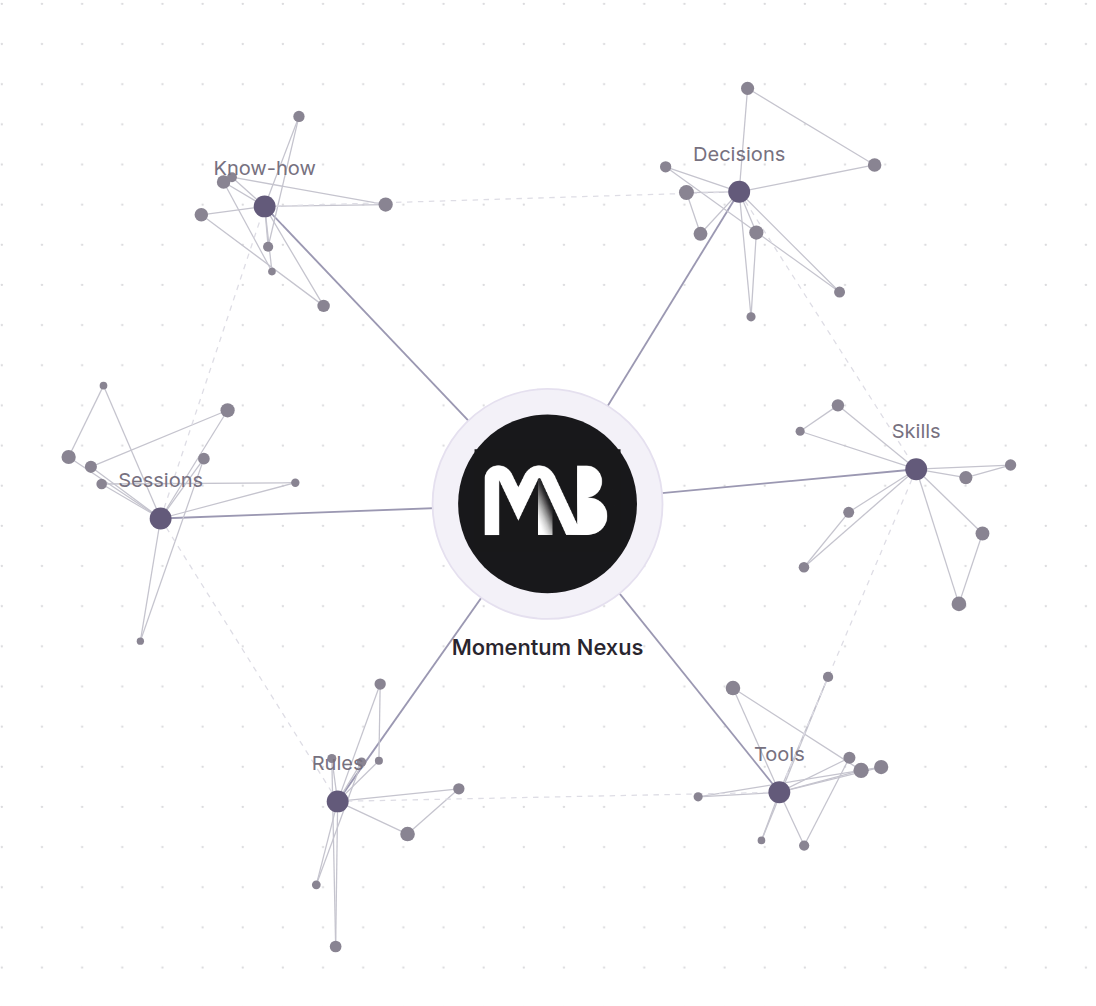
An illustration of connected know-how, not a live company knowledge map.
AI makes tasks faster. Keep the method that makes them better.
A result can be delivered while the working decisions disappear. A small learning loop helps you keep what worked and build on it.
The same context gets explained
The next session starts from scratch, even after your team has already worked out the requirements.
Know-how stays inside conversations
The result is saved, but the reasoning, exceptions, and useful steps remain buried in chat.
Corrections do not reach the next job
An accepted rule or solved problem gets explained again because it was never carried into the working structure.
Tools get added before the method is clear
Start with the work and the learning. Add a skill, script, or connection only when it has a useful role.
Want to turn AI sessions into a working system?
We can help connect your business context, reusable know-how, skills, and tools into an AI working structure your team can build on.
What should the next session already know?
A harness is the structure around your AI: the context it can access, the instructions it follows, the skills it uses, and the tools it can reach.
Useful context
Which requirements, accepted decisions, and corrections should carry into the next job?
A home for the learning
Does this belong in an existing ruleset, a know-how note, project instructions, a checklist, or a skill?
A concrete next use
How will the next task find and use it? Start with one relevant input and check that the accepted learning is applied.
Workflow Brain explains what was learned, its evidence and scope, where it can live, and the actual text to add. You can then ask your AI to help build or update that piece.
Your team keeps working. The learning carries forward.
Add a small session-end learning loop to the AI you already use.
Complete the work
Finish a report, design review, research task, outreach plan, or one-time fix.
Review the learning
Recover accepted decisions, corrections, rejected approaches, and unresolved questions from the available conversation.
Improve the structure
Update an existing note, rule, checklist, or skill. A one-time task can still teach something useful.
Build on it together
Ask your AI to place the Markdown, create or adapt the skill, or connect a tool that the workflow actually needs.
No forced stack.
Start with the environment you already have. The right structure depends on what your AI can actually read, save, and use.
Your current conversation
Claude, ChatGPT, or another AI chatReview the conversation and supplied files in chat. Useful drafts and next steps appear directly in the response.
Your existing knowledge
Project context, Markdown, and skillsWhen accessible within the task, compare the learning with project instructions, Markdown notes, previous records, and skills. Improve existing material first.
Your available tools
Connected tools or supplied exportsUse available access before proposing a new connector. External data or actions need a working connection; a normal wrap-up does not.
A small skill for building a stronger working system.
Session wrap-up
Review real work, including middle-turn corrections and decisions, rather than only the first request and final answer.
Evidence and scope
Distinguish accepted decisions, suggestions, verified findings, and reported results. Avoid turning one-time choices into universal rules.
Markdown know-how
Get concrete additions to instructions, rules, project notes, or checklists, with guidance on how the next session can find them.
Skill-building guidance
Turn accepted methods into usable skills with real inputs, decision criteria, output requirements, and meaningful checks.
Connection guidance
Work with existing tools and access. Add a connection only when it serves the job, using steps appropriate to the user’s environment.
Useful drafts in chat
Continue with your AI when ready. Drafting, saving, installation, and observed tests remain clearly distinguished.
Company know-how that compounds
- ✓Carry accepted decisions into the next job
- ✓Improve existing instructions instead of duplicating them
- ✓Build reusable methods from your own work
- ✓Make room for the next strategic decision
A structure you control
- ×No automatic access to earlier conversations
- ×No shared memory supplied by the package alone
- ×No file changes or external actions from a review alone
- ×No mandatory server, central Brain, or automation
Build your harness one useful addition at a time.
Find the useful lesson
Identify the rule, decision, method, or solved problem worth carrying forward. If nothing transfers, keep the wrap-up short.
Choose its home
Update an existing artifact where possible. Propose a new note or skill only when it has a distinct role.
Make it reachable
Link the note, reference it from a skill, or provide it through the host’s supported context tools. Saving a file does not ensure it is read.
Try it on the next job
Check whether the AI applies the accepted learning, respects its scope, and flags conflicts rather than guessing.
Before you start
What is an AI harness?
It is the working structure around your AI: accessible business context, instructions, reusable skills, and tool access. It can start with a few project rules and Markdown notes, then grow with your needs.
Does every conversation need to become a skill?
No. A ruleset update, know-how note, checklist, or decision record may be more useful. One-time work can produce transferable learning; a new automation is optional.
Can it improve the skills and notes I already use?
Yes, when those artifacts are supplied or accessible within the task. It can compare the learning with what exists and propose focused changes. Implementation needs your request and the host’s actual capabilities.
Will it remember my other sessions?
Only if those records are supplied or accessible. The package does not create account-wide monitoring or shared persistent memory by itself.
Do I need a server or connector?
No to review a conversation already available in chat. If a later workflow needs live information or external actions, start with existing access and connect only what that job needs.
How do I start?
Download Workflow Brain ZIP from the top of this page, use your account’s supported skill upload area, and ask it to wrap up a completed conversation. Availability depends on account and workspace settings. The response follows the conversation’s language.
Keep the method. Connect the work. Make room for strategy.
Momentum Nexus helps connect business context, reusable skills, and tools into AI systems for real growth work. Workflow Brain is a small starting point for building that structure yourself.